 music nerd
Getting started
Authentication
Public endpoints, access tokens, and the scheduler secret.
Each endpoint's reference page states which of these it needs.
Public
Read-only endpoints that expose nothing private need no credentials. Endpoints are public unless they return private data or change something.
Access token
Endpoints that change an artist need the artist's approved claimant or a Music Nerd admin. They take the user's access token as a Bearer token.
To get one:
-
Sign in at musicnerd.net: open the menu at the top right and choose Log In.
-
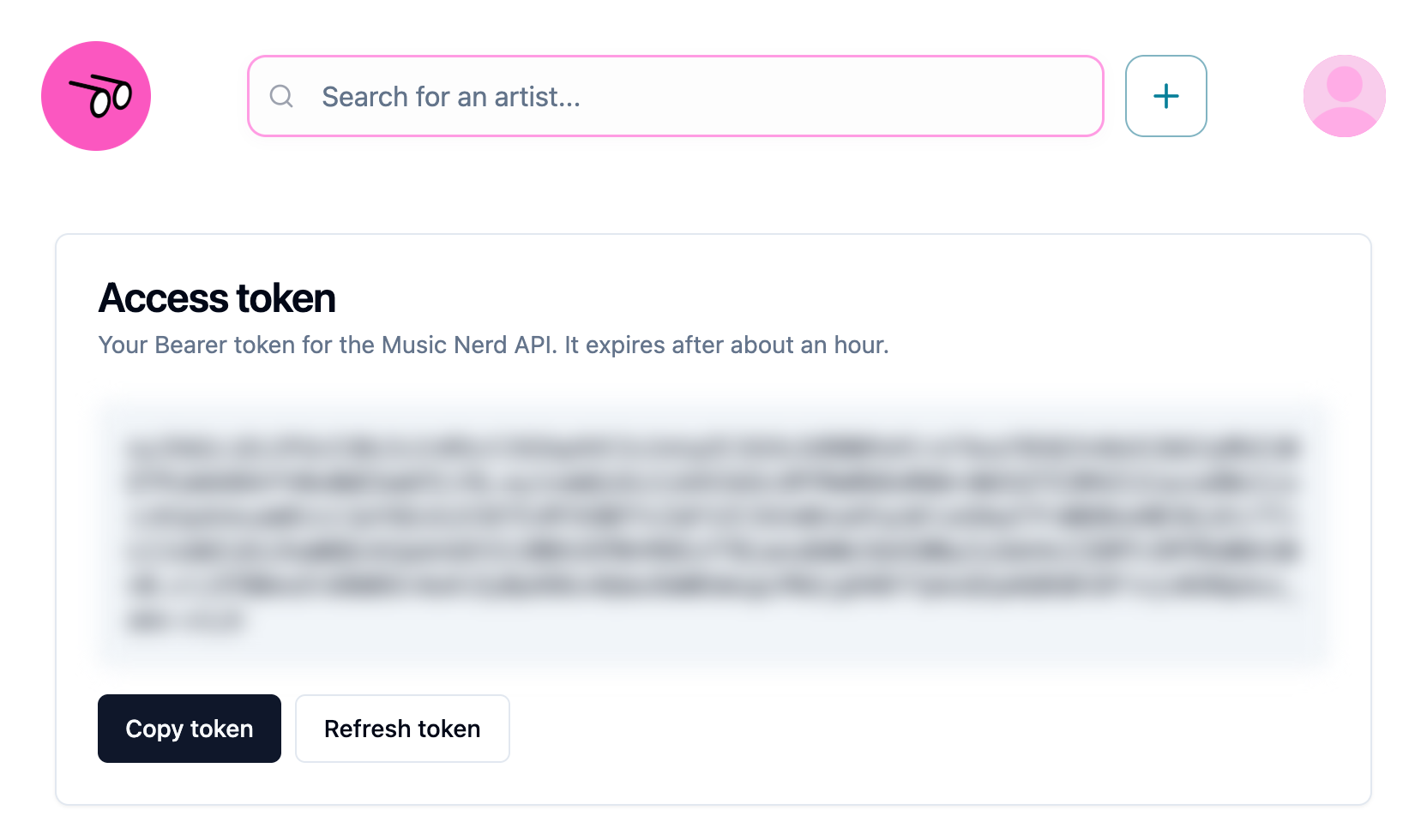
Open musicnerd.net/access.
-
Select Copy token.
-
Send it on each request:
--header 'Authorization: Bearer YOUR_ACCESS_TOKEN'Or paste it into the Try it panel on any reference page.
Tokens expire after about an hour. When a request returns 401, go back to /access, select Refresh token, and copy the new one.
| Response | Meaning |
|---|---|
400 artistId must be a UUID | The artist ID in the path is malformed. |
401 Not signed in | No token, an invalid or expired token, or no Music Nerd user for it. |
403 Not your artist | The user is neither the artist's claimant nor an admin. |
Scheduler secret
GET /api/research/advance is the research scheduler that Vercel Cron calls. When the deployment sets CRON_SECRET, it requires Authorization: Bearer <CRON_SECRET>.